Stop Your Ink From Bleeding During Glass Tempering
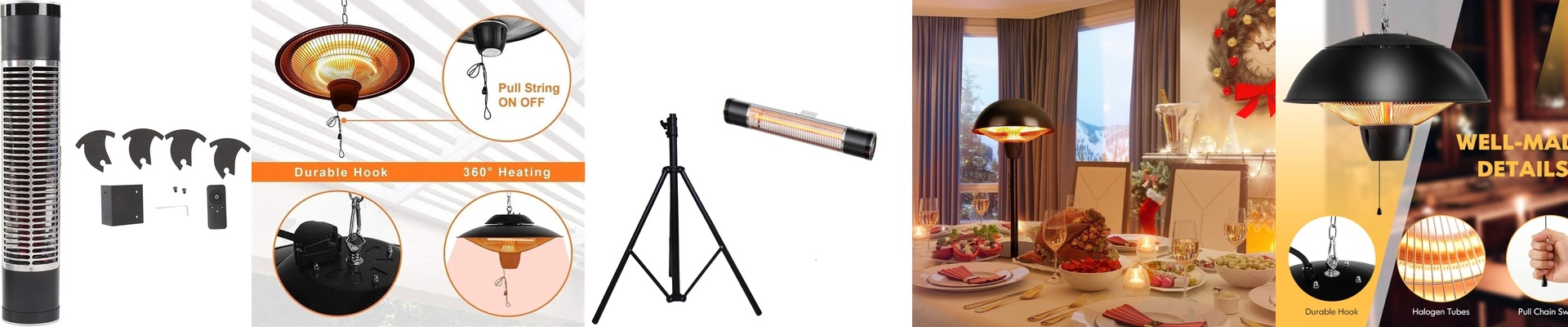
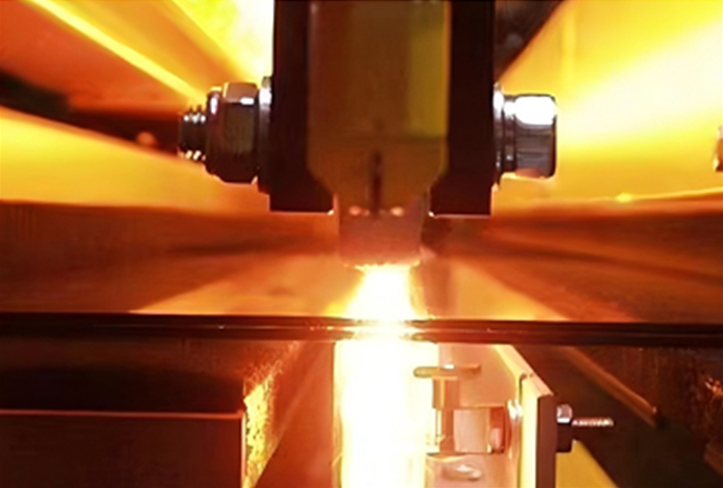
Here is the struggle when you’re tempering and annealing glass after screen-printing: you’re fighting a battle of physics. You need heat. Plenty of it. You need to cure the ink and get rid of those internal stresses. But if you move too slowly or push the heat the wrong way, your crisp printed patterns start to bleed and blur. It’s frustrating. We handle this with short-wave infrared (IR) lamps. Instead of a slow soak, these lamps punch high-intensity energy straight into the glass surface. Fast. Keeping the lines sharp The secret is all about the speed of the temperature jump. By using high-wattage IR lamps, we hit that target temperature in a matter of seconds. Why does that matter? Because it stops the ink from hanging out in that “semi-liquid” state for too long. That’s where the distortion happens. You’re basically locking the design in place while getting the glass ready for the quench. The danger of cold spots You can’t skimp on heat density. If the glass doesn’t hit the softening point evenly, you’re in trouble. Underpowered lamps leave cold spots. And cold spots mean uneven stress. That’s how you end up with glass that shatters during the quench or fails a fragmentation test. Not a great look. Plus, you have to keep your lamp wattage and conveyor speed in sync. If you speed up the line, you’ve got to crank the power or add more lamp banks. Otherwise, your thermal profile just falls apart. The trade-off Now, there’s a catch. High-output IR lamps pull a lot of power and throw off a massive amount of heat. You can’t just toss these into some old oven and hope for the best. You need cooling blowers and ventilation that can actually keep up. If you don’t pull that excess heat away from the housings, you’ll fry your connectors and kill your tubes way too early. It’s a balancing act. Get the IR intensity and the line speed right, and you get the best of both worlds: glass that’s incredibly strong and patterns that stay sharp.