Getting the Heat Right for Screen-Printed Glass
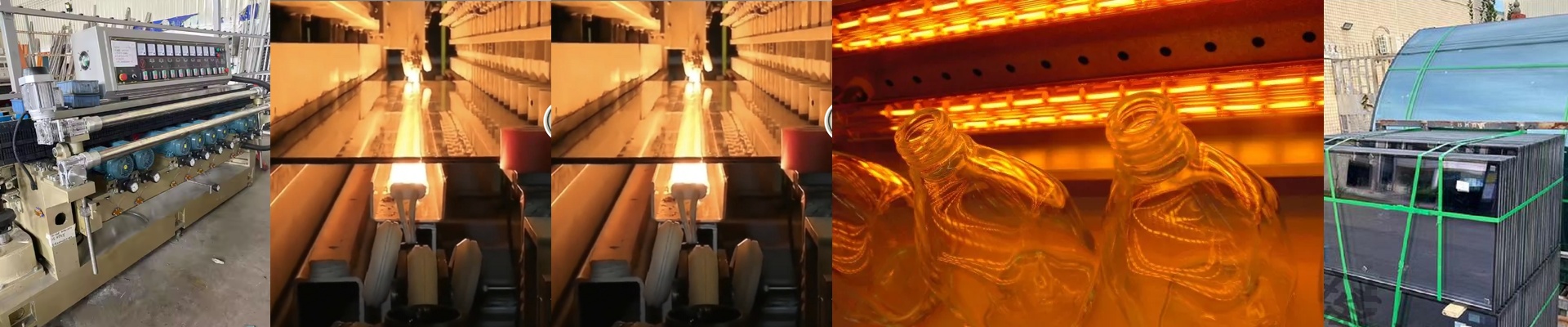
When you’re trying to screen print and temper glass at the same time, you’re basically fighting a war with physics. You need enough heat to cure the ink and make the glass strong. But if you push it too far—or if the heat hits some spots harder than others—your crisp patterns start to blur. The ink bleeds. It’s a nightmare. To stop that from happening, we rely on specific short-wave IR lamps to find that sweet spot. The battle with heat flux Here is the thing: it all comes down to how the heat is distributed. If your lamps don’t have enough wattage, the glass never gets hot enough to actually temper. But if you try to fix that by cranking up the voltage on a cheap tube, you’ll end up with hotspots. We obsess over the wattage-per-centimeter ratio. Why? Because it lets the heat soak deep into the glass without scorching the ink on the surface. You get the strength you need, and your edges stay sharp. The gear that actually lasts We use high-purity quartz envelopes. They have to be that tough to handle the shock of heating up and cooling down over and over again. Most of our setups use halogen-filled tubes. They last longer and keep the output steady, which means fewer headaches for you. We also stick with R7s or SK15 connectors. They snap in tight and won’t rattle loose while the conveyor oven is humming along. The trade-off High-density IR lamps are fast. Really fast. And that’s great for getting more glass through the door. But there’s a catch. The more heat you pump out, the harder your cooling system has to work. If you just swap in a higher-wattage lamp without checking your ventilation, you’re going to cook your oven’s frame and electronics. If you notice your ink is changing color, your lamps are probably running too hot or they’re sitting too close to the glass. Just tweak the focal point or dial back the power supply until the temperature feels right.